
Weapons and Equipment
Nether Bane: How to Get, Equip, and Use It
Last updated:
Find Nether Bane's 9 Robux offer near Upgrade, equip it through Backpack, confirm it is active, and distinguish its Q weapon skill from the extra E skill.
Buy Nether Bane through the 9 Robux offer, then open Backpack → Weapon, select it, and click Equip. Confirm the green check mark, Nether Bane in the weapon slot, and the UnEquip button. Press Q to use its current weapon skill; E controls a separate additional skill.
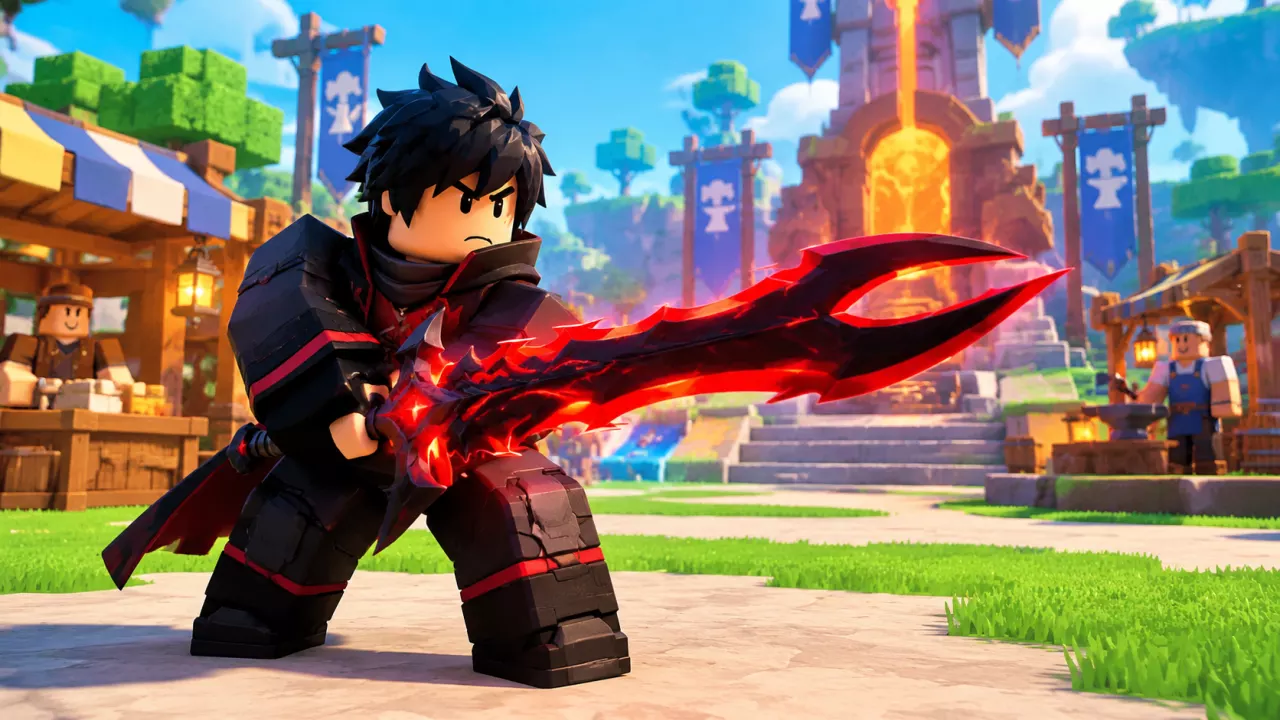
Nether Bane's purchase offer is beside Upgrade in the main plaza. Inspect its Backpack card before switching weapons, then check the bottom skill bar to identify its equipped attack.
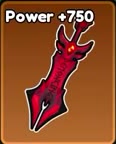
Inspect Nether Bane's attributes and purchase offer before equipping it and using its weapon skill.
Nether Bane
Nether-Bane · Netherbane
- Power
- 750 Power
- Purchase price
- 9 Robux (Nether Bane offer)
- Item-card value
- Priceless
- Appearance
- Red and black broad sword with a spiked outline
- Rarity
- Legendary
- Skill effect
- Orange-yellow fiery explosion (D weapon skill in the Q slot, with a golden explosion-cloud icon)
Buy Nether Bane Near Upgrade
- Go to Upgrade in the main plaza and open the nearby Nether Bane offer.
- Check the displayed 9 Robux price. Have enough Robux for the offer before confirming the purchase.
- Complete the purchase, then open Backpack to equip the weapon.
Priceless is the value label on Nether Bane's inventory card. The purchase cost comes from the Robux offer, so use that offer when checking what buying the weapon costs.

Equip Nether Bane and Confirm It Is Active
Buying the weapon and equipping it are separate actions.
- Open Backpack and select Weapon.
- Select Nether Bane's red-and-black sword card to open its details. Compare its displayed Power and skill with your current weapon before switching.
- Click the green Equip button.
- Confirm that the weapon slot beside your character says Nether Bane, its card has a green check mark, and the details button reads UnEquip.
- Close Backpack to return to combat. Your character should now hold the red-and-black broad sword.
For a combat choice, consider the skill's description, damage, and cooldown alongside Power wherever those details are shown. Check the skill on the actual copy you own: copies of the same named weapon can carry different skills. Use Weapons, Power, and Skills to compare other weapon options.
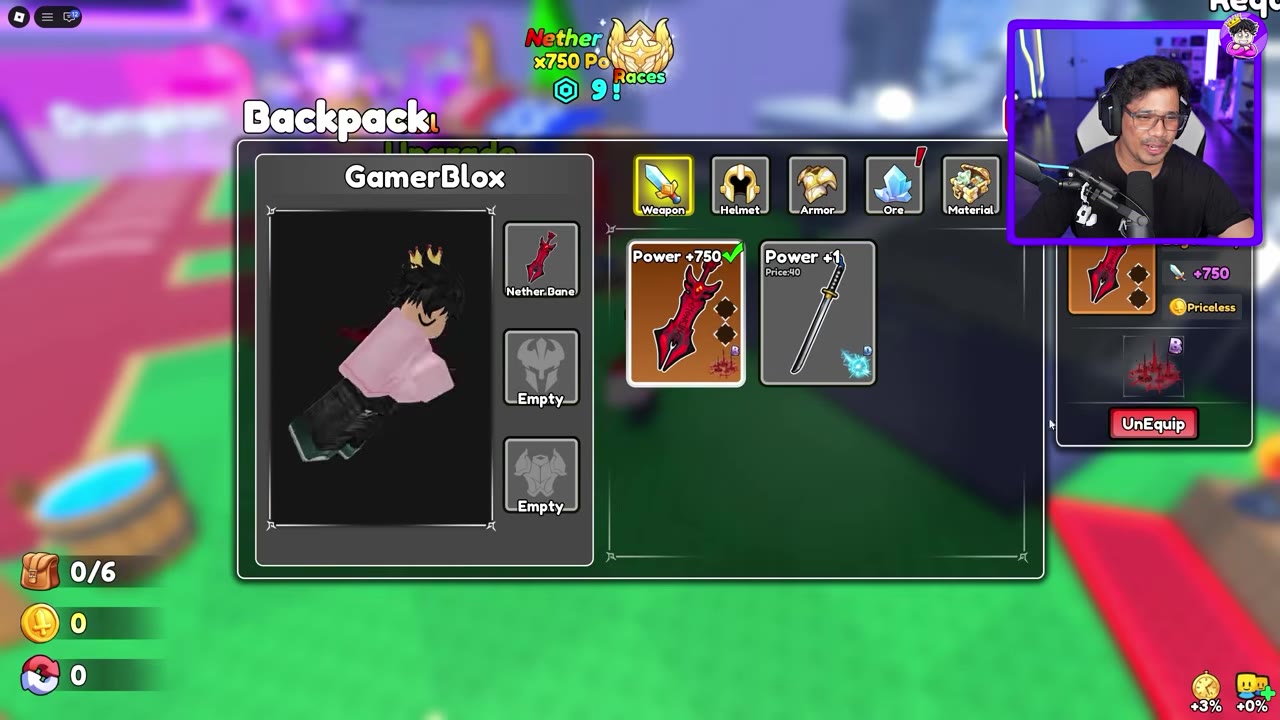
 Equip Nether Bane in Backpack▶ Watch demonstration
Use Q and Keep the E Skill Separate
- With Nether Bane equipped, check the Q icon in the bottom skill bar.
- Press Q to activate the weapon's equipped skill. If it is the D skill with a golden explosion-cloud icon, it produces an orange-yellow fiery explosion around your character.
- Wait for the Q cooldown indicator to clear before using the skill again.
The E slot holds a separate additional skill. A C skill with a white whirlwind icon produces two slashes with a white ring effect. Rolling that additional skill places it in E and leaves the existing Q weapon skill in its own slot.
Check the two icons separately when deciding which attack to use. For additional-skill rolls and second-slot controls, see Combat Skills and the Second Skill Slot.
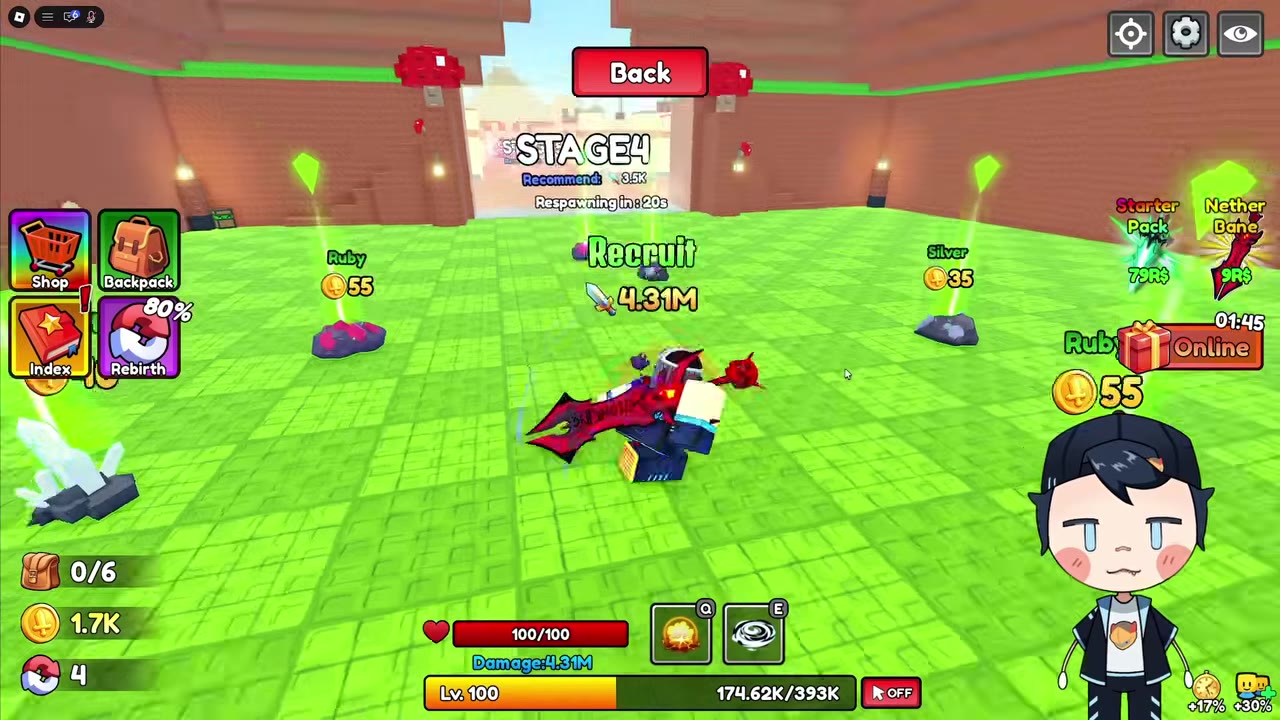
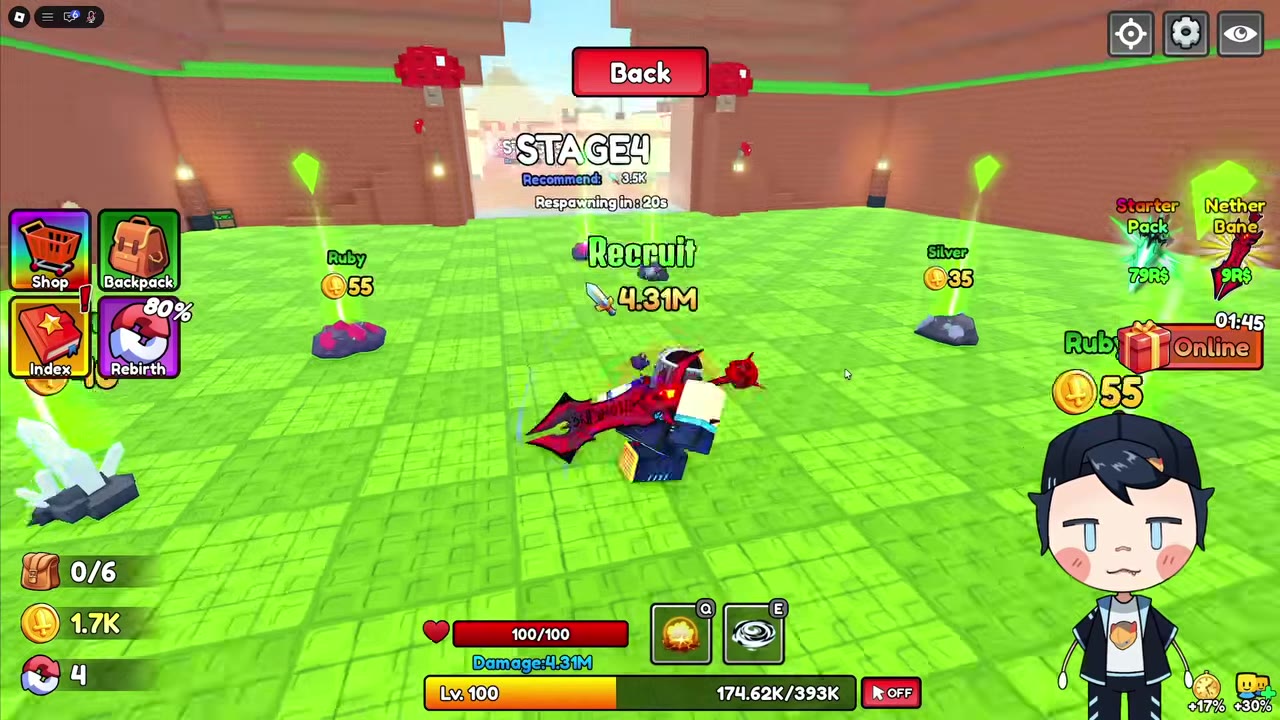 Use the Q Explosion and Separate E Skill