Races and Skills
Combat Skills and the Second Skill Slot
Last updated:
Learn how to read a skill roll, unlock the E skill slot, use Q and E in combat, and choose attacks by their known effects.
Read the card that stops between the center pointers, then check the equipped icon on Q or E. Cast with that key and wait for its cooldown countdown before using it again.
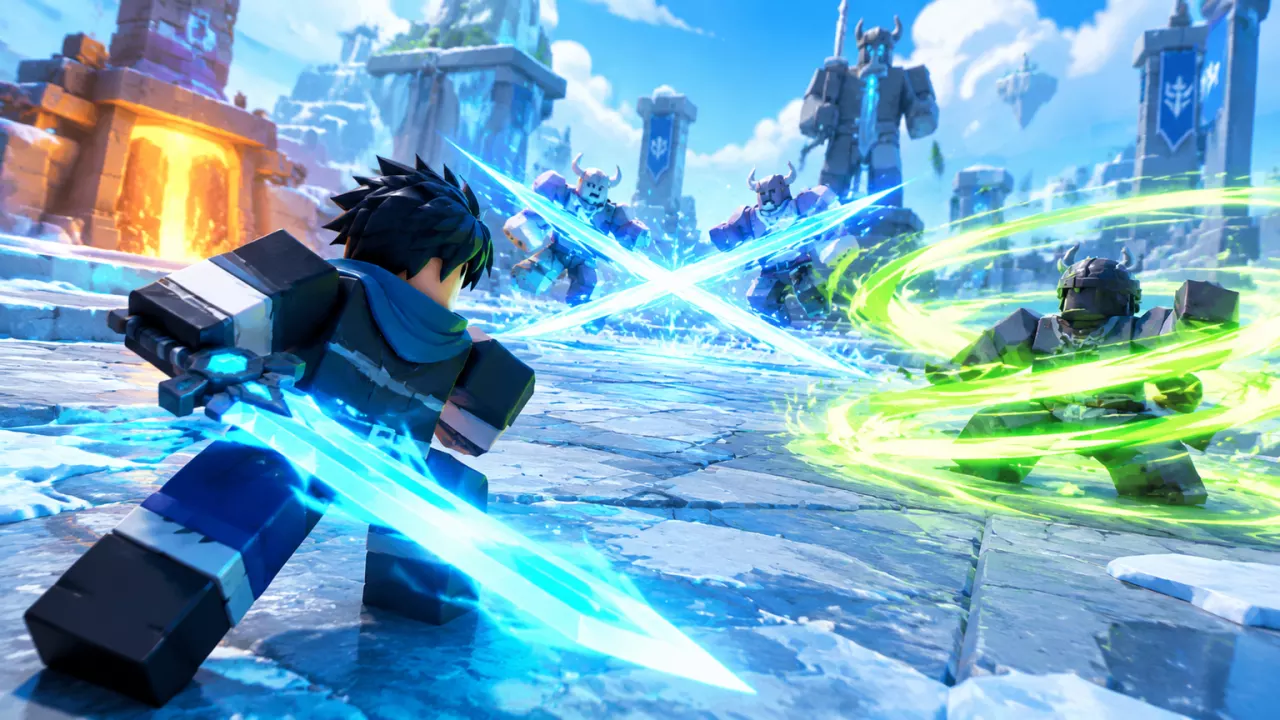
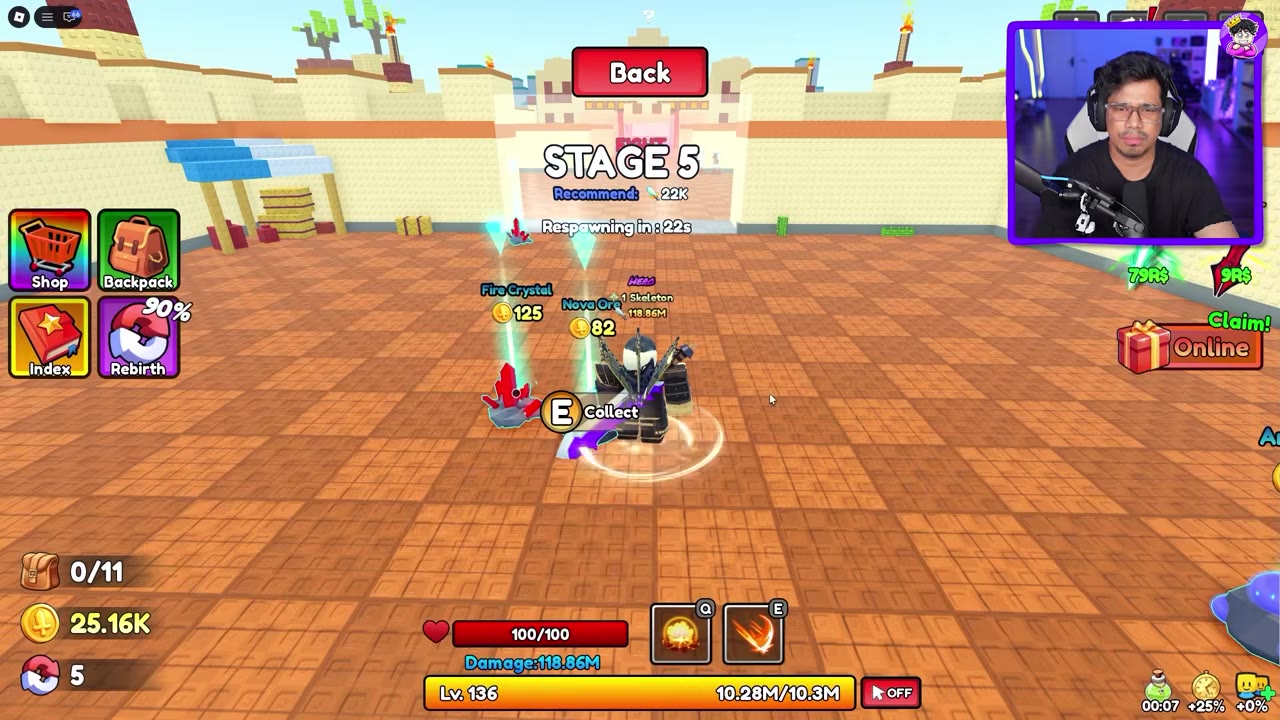
The main combat skill uses Q. The Extra Skill die beside it opens the Second Skill purchase while E is locked; buying the slot starts a random skill roll.
Unlock the E Skill Slot
Buy Second Skill if you want a second attack alongside Q. The purchase unlocks E and starts a random skill roll.
- Select the colorful Extra Skill die beside the Q skill.
- Check the total in the Second Skill Buy Item window, then select Buy.
- Close the purchase confirmation and let the roll finish.
- Check the new skill icon on E. The Q skill remains available.
| Second Skill price shown | Condition |
|---|---|
| 149 Robux | List price in the purchase window |
| 135 Robux | Checkout with a 14 Robux Plus discount |
| 120 Robux | Checkout with a 29 Robux Plus discount |
Use the total shown at your own checkout. After the slot is unlocked, later rolls can replace its E skill without buying Second Skill again.
 Buy Second Skill and receive an E skill▶ Watch demonstration
Read the Final Skill Roll
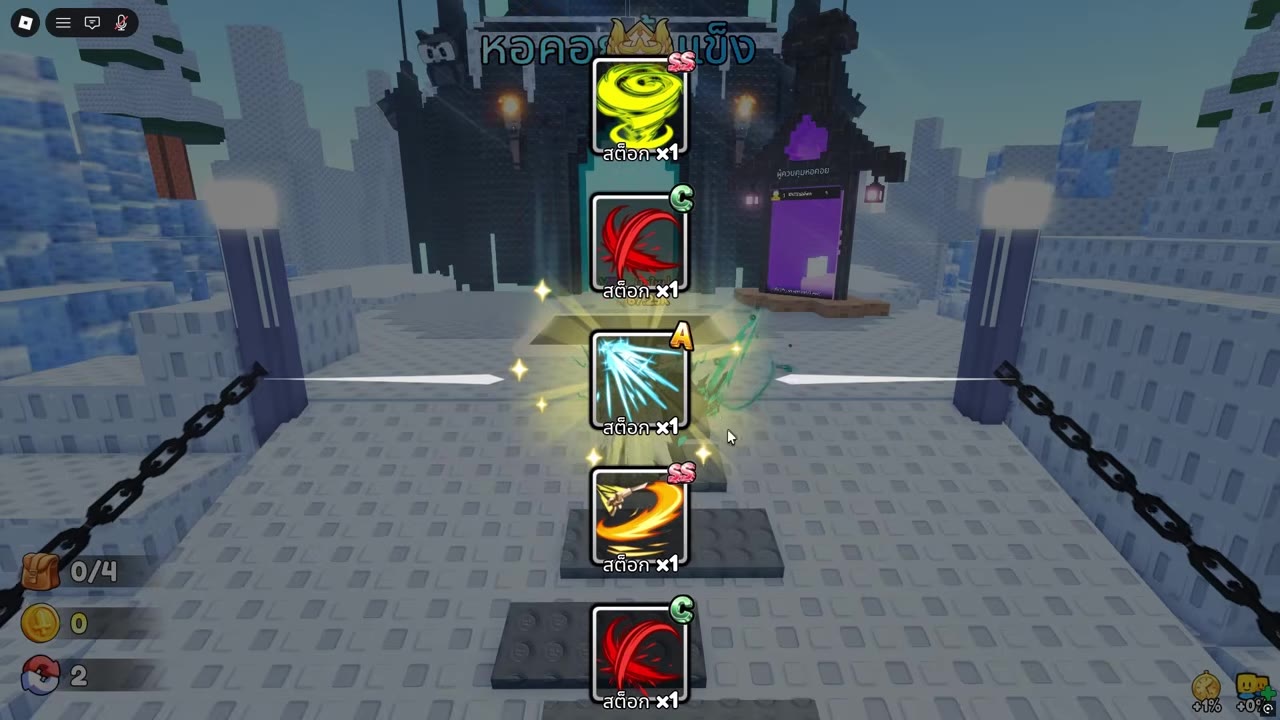
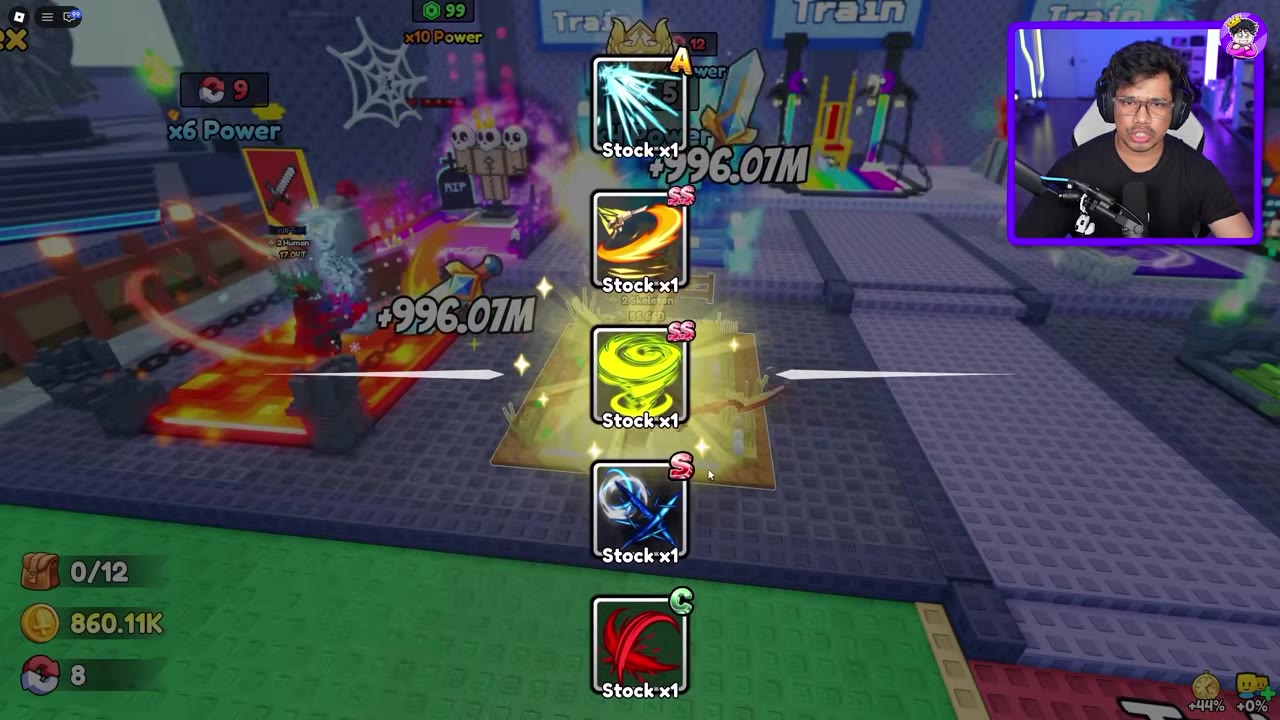
The scrolling cards show grades from D through SS. Wait until the column stops: the card between the two center pointers is the result. Cards that pass the pointers are candidates, not additional skills received. Stock ×1 on a card describes stock; it is not the roll price.
After the roll closes, match the result's icon to the combat bar. This confirms which skill is on Q or E.
 Identify the skill stopped between the pointers▶ Watch demonstration
Use Q and E in Combat
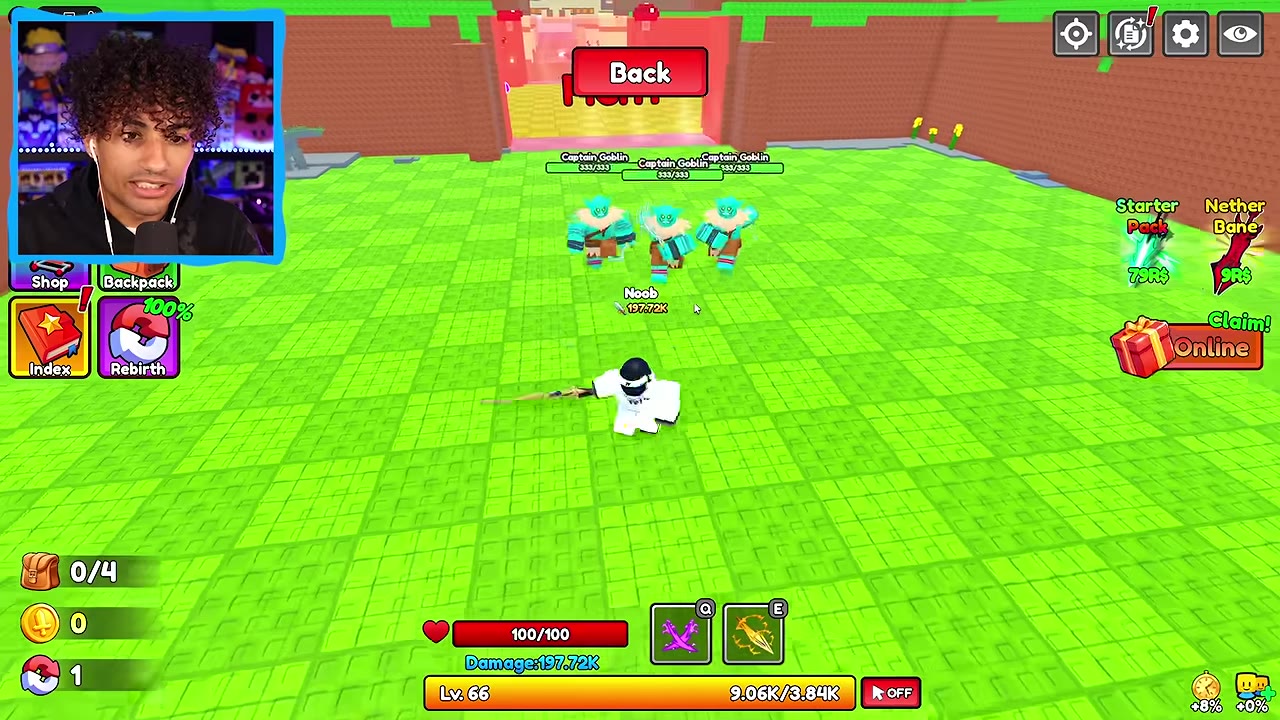
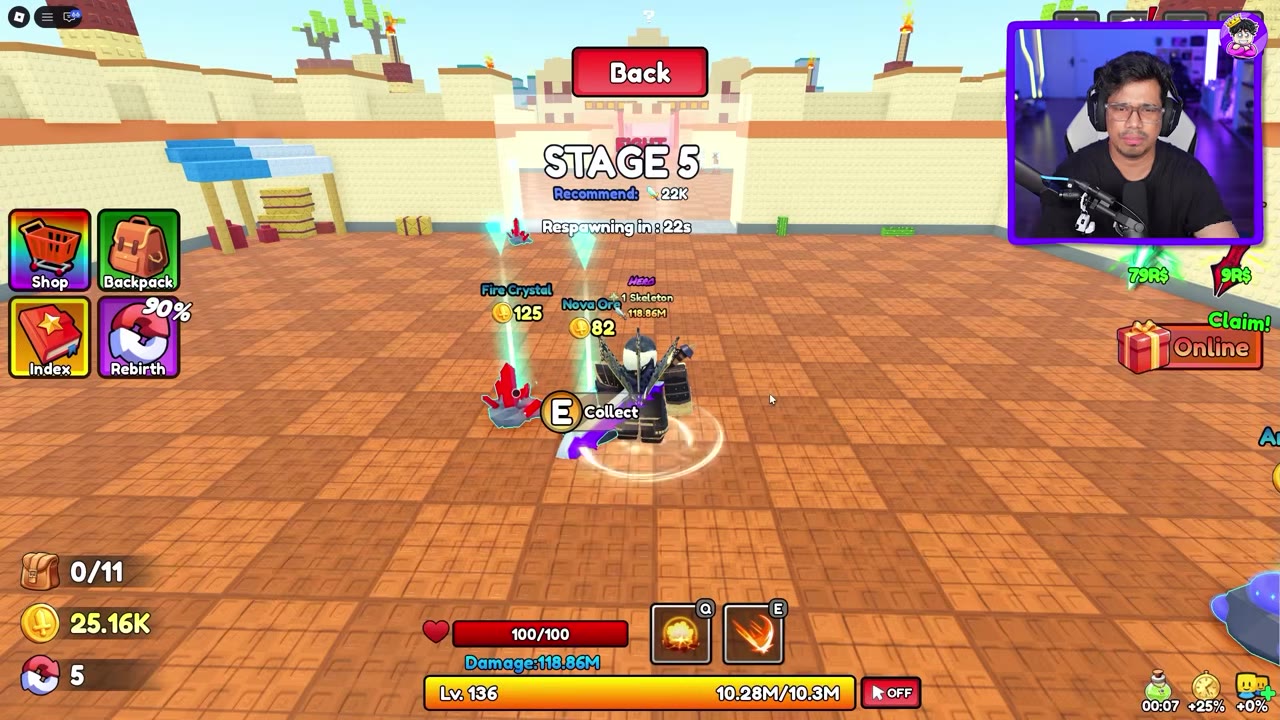
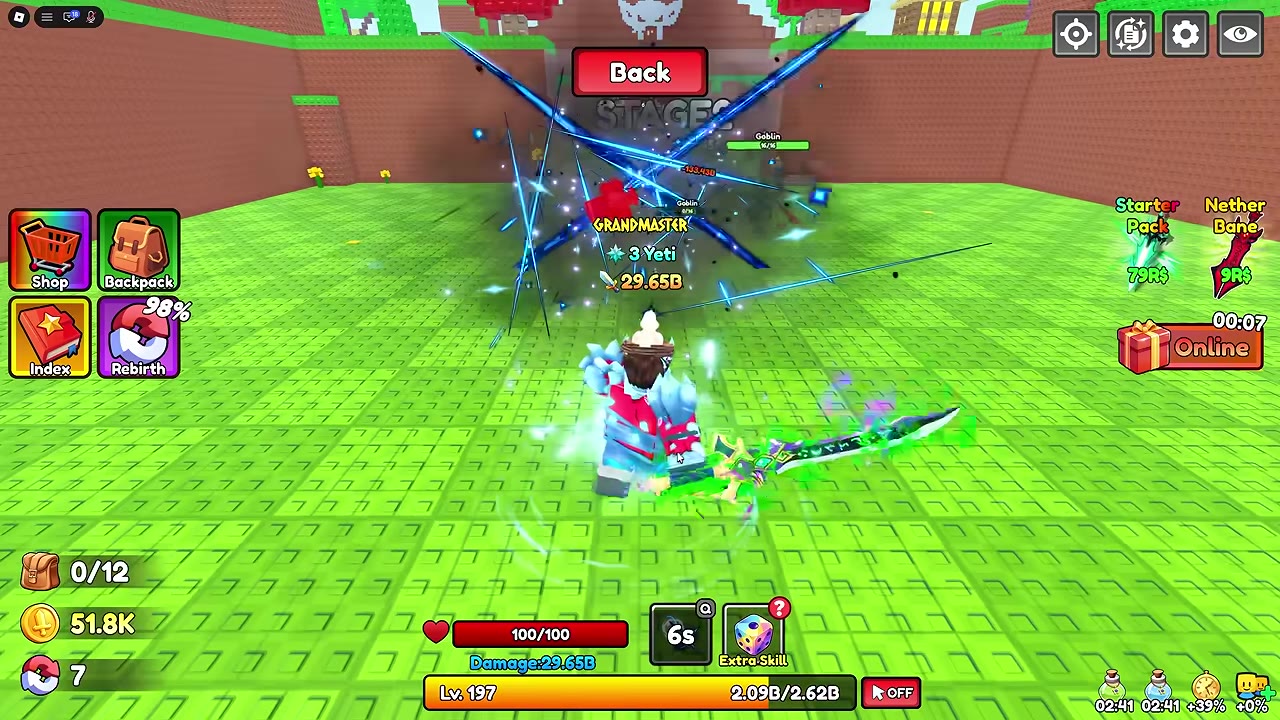
Press Q for the main skill. Once Second Skill is unlocked, press E for the extra skill. Each used icon displays its own cooldown countdown; cast that skill again when its icon becomes ready.
Aim a forward attack at enemies ahead of the character. When enemies gather around you, an equipped cyclone gives you an attack centered on your position. For stage progression and enemy encounters, see the Dungeon guide; Frostbound Tower covers successive Tower rounds.
Choose an Attack for the Fight
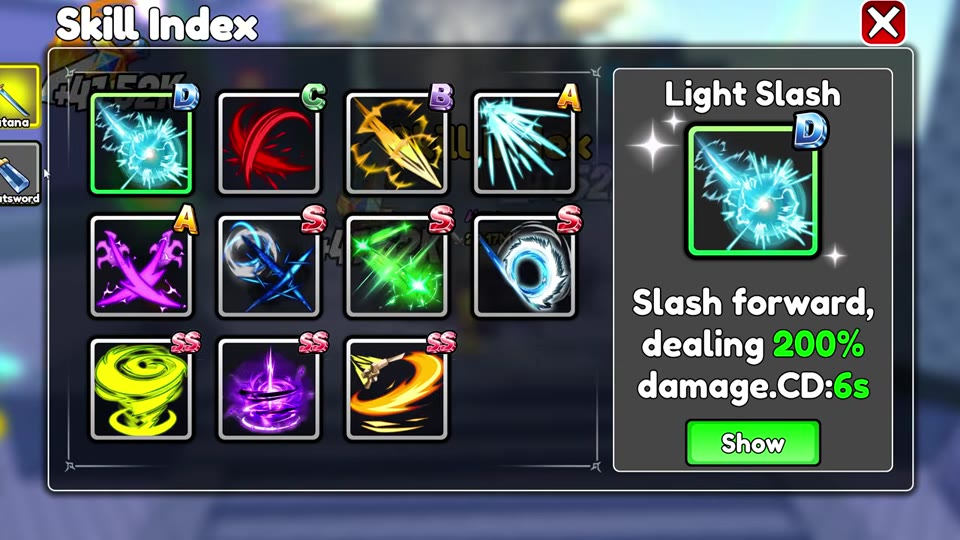
Check the Skill Index by the large statue for skill details under categories such as Katana and Greatsword. Light Slash, a Katana skill, slashes forward for 200% damage with a six-second cooldown. It suits repeated attacks on a target in front of you. When Golden Aegis carries its A-grade purple crossed-weapons variant, the skill summons spectral hands forward for 350% skill damage with a five-second cooldown.
For nearby groups or successive Tower rounds, the yellow-green SS cyclone attacks around the character. If the E slot shows a golden-yellow diagonal icon, that skill can also hit multiple nearby enemies when they cluster together. For enemies ahead during Dungeon progression, the SS orange arc makes a long forward slash. The S blue crossed slash also strikes ahead; aim it at the intended target rather than assuming it covers every nearby enemy. Match icon-only skills by their displayed grade and icon, then choose by attack shape and cooldown behavior instead of grade alone. To compare the weapon carrying a skill with your other equipment, see Weapons, Power, and Skills.