
Weapons and Equipment
How to Enchant Equipment and Choose Runes
Last updated:
Learn how to install runes in +1 Loot To Forge, check Enchant and Unequip prices, and choose Flame, Poison, Thunder, or Frost effects.
Choose an equipment piece in Enchantment, select a rune and an empty diamond slot, check the Coin price, then press Enchant. Pick Thunder for a lightning strike, Frost for slowing and freezing, or Flame or Poison for damage over time.
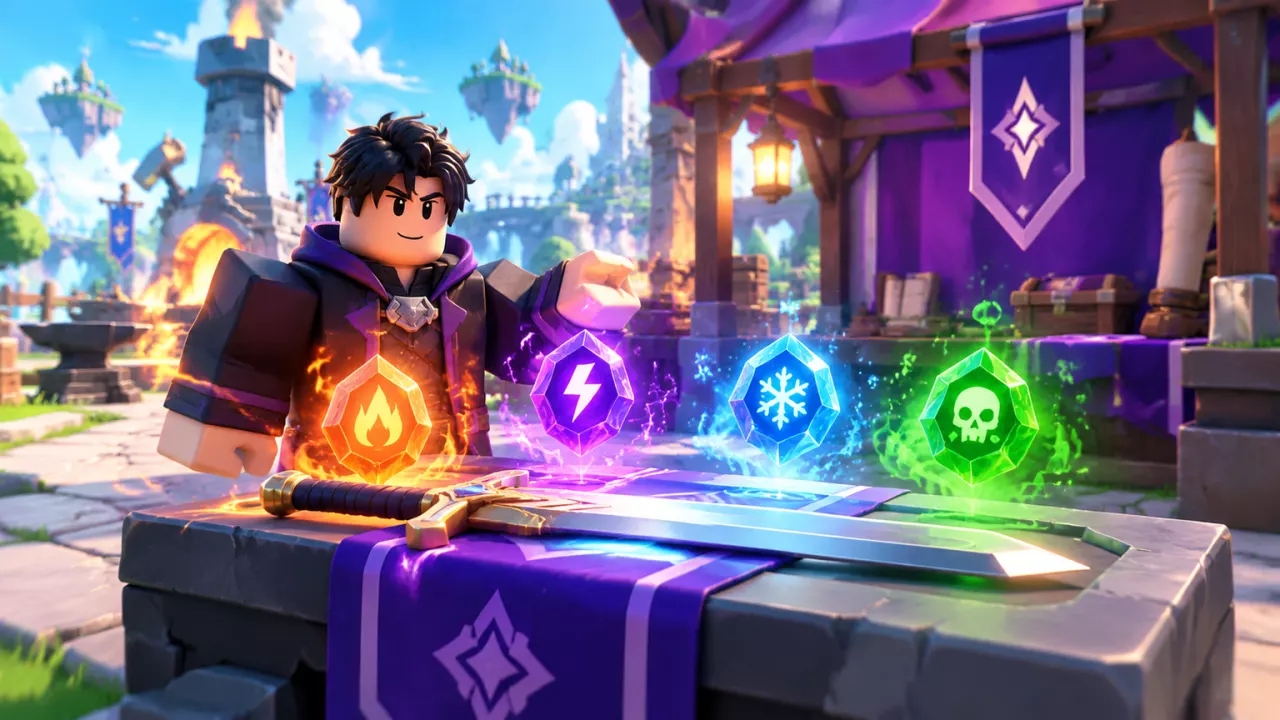
Runes add elemental effects to weapons, helmets, and armor at the Enchant stall. Equipment with two rune slots can hold different elements at the same time.
Install a Rune in an Equipment Slot
Bring the rune you want to install and enough Coins for the price displayed in the menu.
- Open Enchantment at the Enchant stall. Choose Weapon, Helmet, or Armor, select an equipment card, and press Select.
- On the Enhance screen, open the rune's elemental category, select the rune, and click an empty diamond slot on the equipment card.
- Check the effect and the price beneath Enchant, then press Enchant. A successful installation displays Enchant successful. and places the rune icon in that slot.
- If the equipment has a second empty slot, select it and repeat the process with another rune. Blaze Fury and Radiance Helm are examples of equipment that can hold Flame and Poison runes in separate slots.
Tier I runes can appear in Dungeon Settlement rewards. Frostbound Tower's Possible Drop previews include tier I runes for the rounds 1–5 starting bracket and tier II runes for rounds 6–10. The tower unlocks after the second Rebirth and takes one Tower Ticket to start; see the Frostbound Tower guide for its entry and round rules. If you are still choosing equipment, compare weapons or helmets and armor before spending a rune.
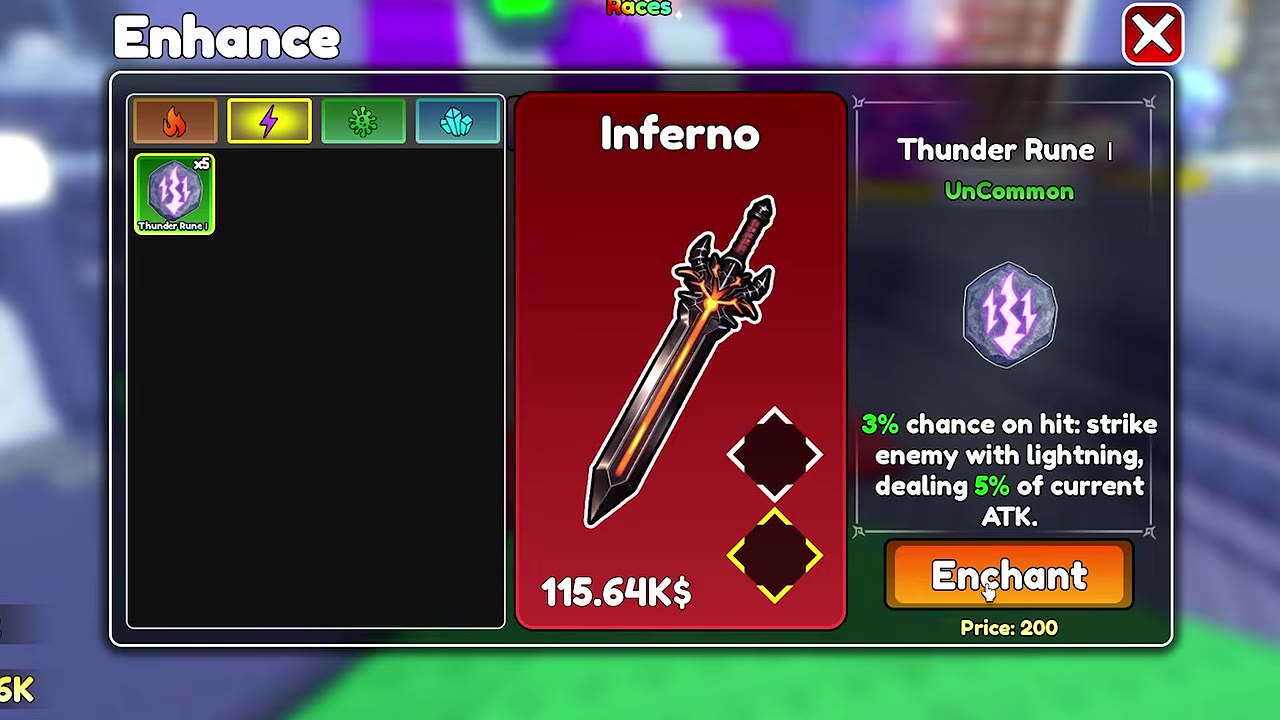
 Install Thunder and Frost in two rune slots▶ Watch demonstration
Enchant and Unequip Prices
| Condition | Menu action | Example displayed price |
|---|---|---|
| Install a tier I Flame, Thunder, Frost, or Poison rune in an empty slot | Enchant; uses one selected rune | 200 Coins per slot |
| Install Frost Rune II in an empty Sunflare Relic slot | Enchant; uses one Frost Rune II | 1,500 Coins |
| Select an occupied rune slot | Unequip | 1,000 Coins |
Read the price beneath Enchant for the equipment and rune you selected. The Price printed on an equipment card is the item's price, not the rune installation charge. Selecting an occupied diamond slot displays the Unequip control and its price.
The rune selection screen is labeled Enhance. Equipment leveling, its materials, and failure risk are covered in Equipment Enhancement Requirements and Failure Risk.
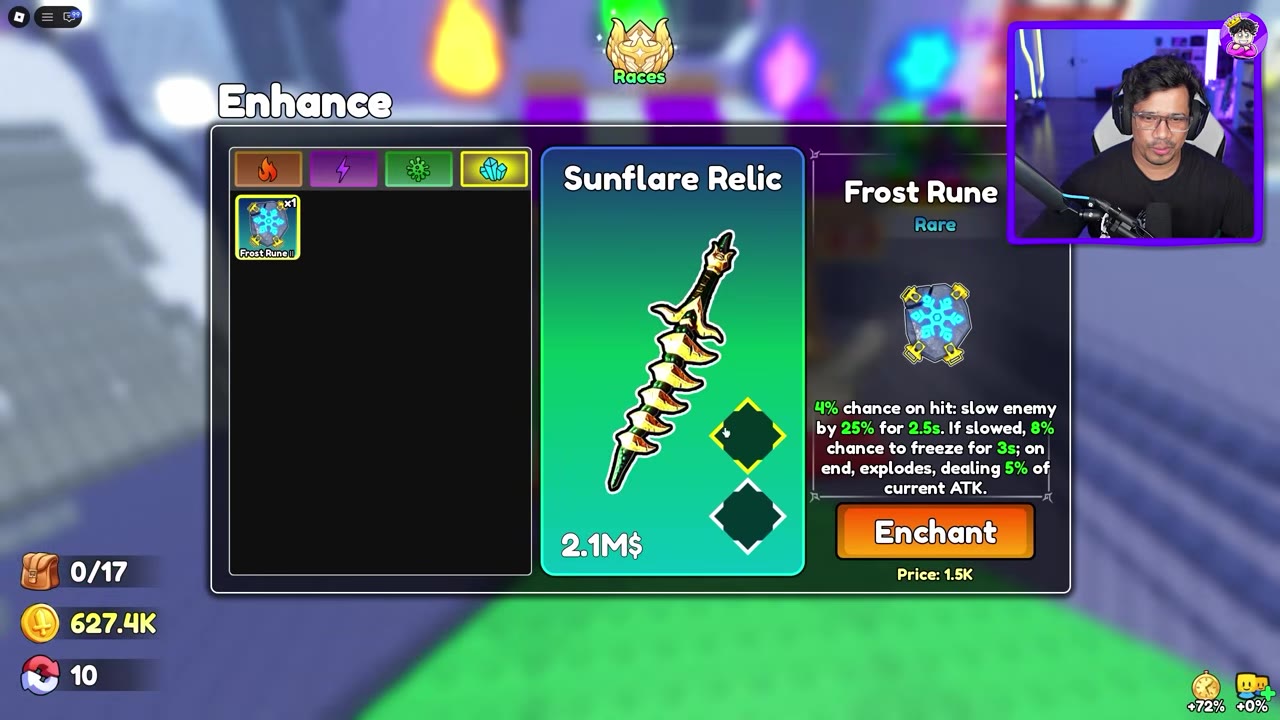
Choose a Rune for Damage or Control
Thunder adds a chance for an immediate lightning strike based on current ATK. Frost suits fights where slowing an enemy helps: a hit can apply a slow, and the freeze chance applies against an enemy that is already slowed. The freeze ends with an ATK-based explosion.
Flame and Poison deal damage over time. At tier I, Poison deals more damage per tick, while Flame also has a chance to explode when it is applied. Flame's explosion percentage has no stated damage base, so it cannot be compared directly with the ATK-based strikes and explosions.
Check the rune's tier before choosing. Tier II Thunder increases both its lightning trigger chance and strike damage over tier I. Tier II Frost increases its slow, conditional freeze chance, and ending explosion damage. The rune details below list the values and conditions for each element and tier.