Weapons and Equipment
Equipment Enhancement Requirements and Failure Risk
Last updated:
Read Ember Stone and Coin requirements, success rates, damage previews, and the level-loss warning before enhancing equipment in +1 Loot To Forge.
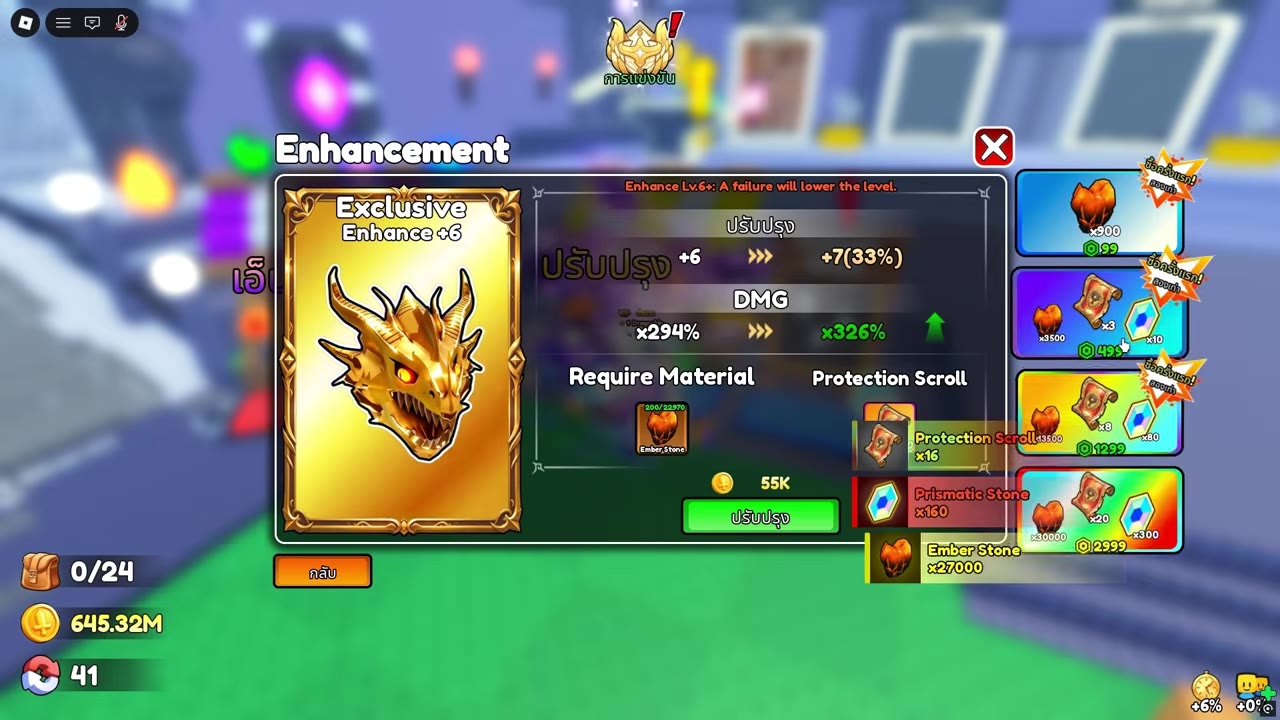
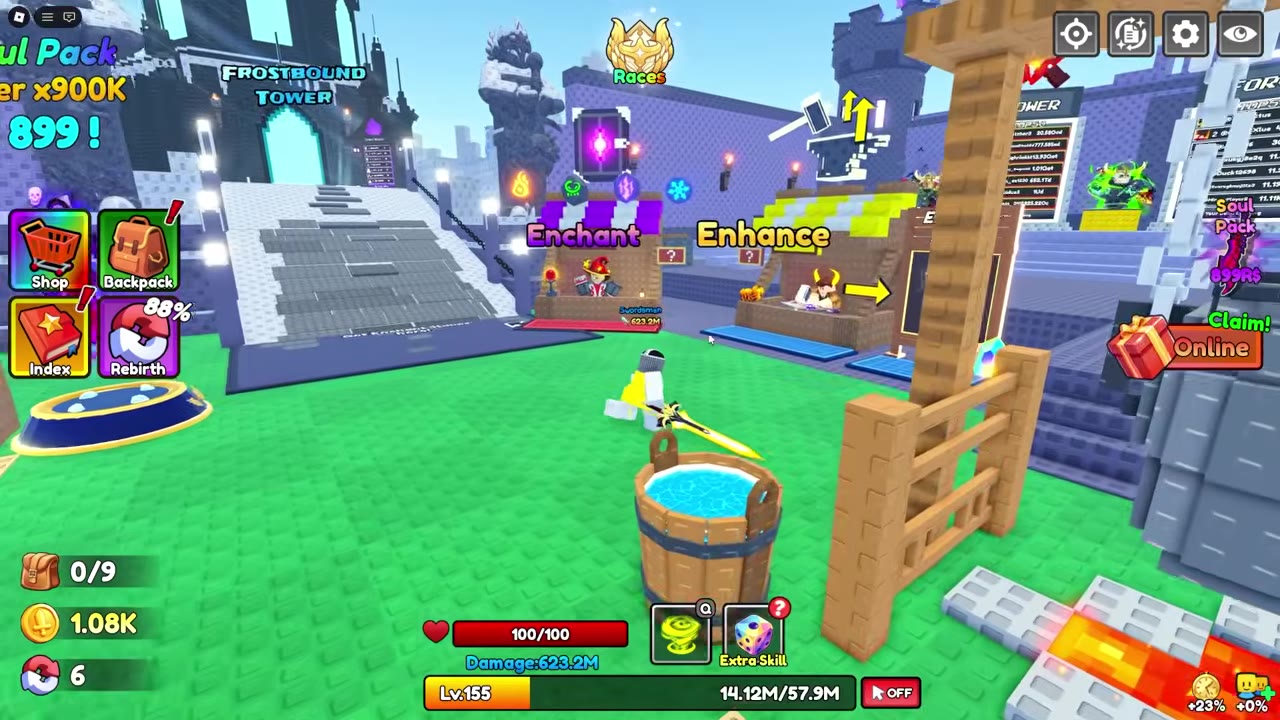
At the Enhancement stall beside Enchant, select your equipment and check the Ember Stone count, Coin cost, success rate, damage change, and any failure warning before pressing Enhance. Material counts read required/owned; a failed attempt at enhancement level +6 or higher can lower the level.
Enhancement raises an item's level and damage when an attempt succeeds. Its cost and success rate depend on the selected item's next-level preview.
Read the Enhancement Preview
- Open the Enhancement stall beside Enchant and select the equipment you want to upgrade. The neighboring Enchant stall is for installing runes.
- Read the current level and damage on the selected item, then the next level, success rate, and projected damage on the right.
- Check Require Material and the Coin cost. The Ember Stone count reads required/owned:
5/24means the attempt needs 5 stones and you hold 24. Having enough stones alone does not cover a missing Coin cost. - If you accept the displayed cost and risk, press Enhance. After a successful attempt, check the new level and the updated preview before deciding on another upgrade.
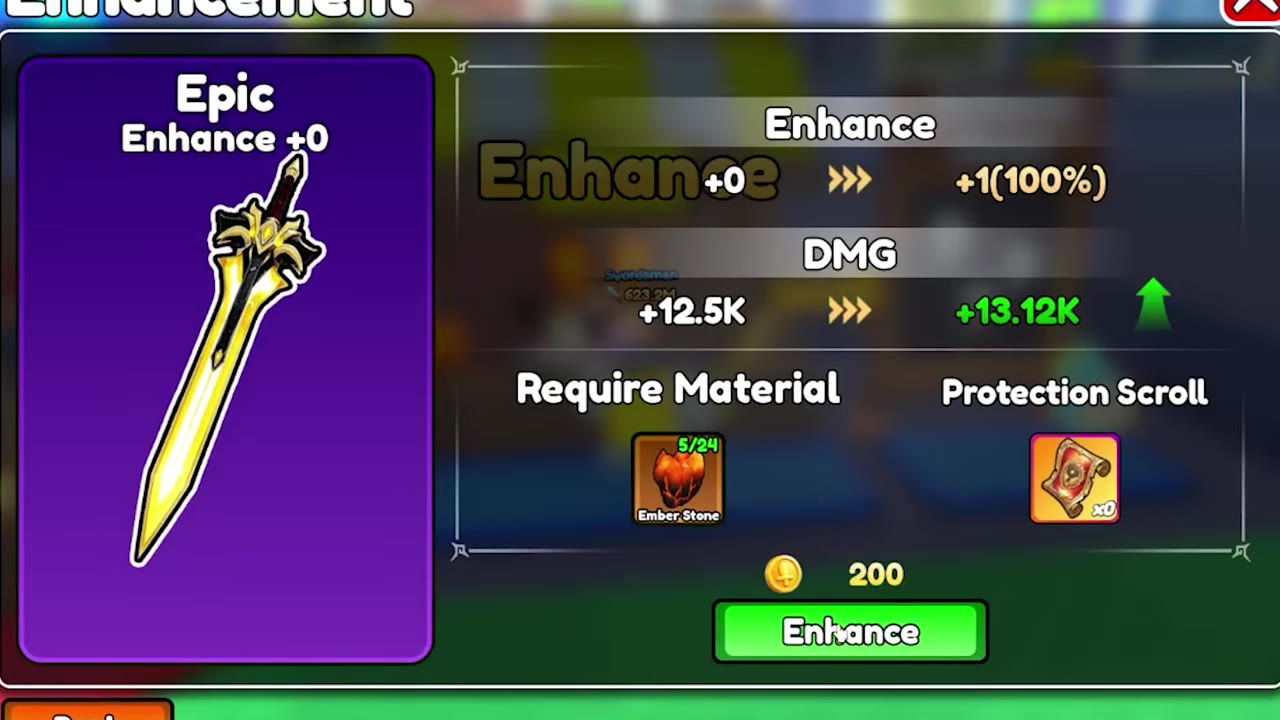
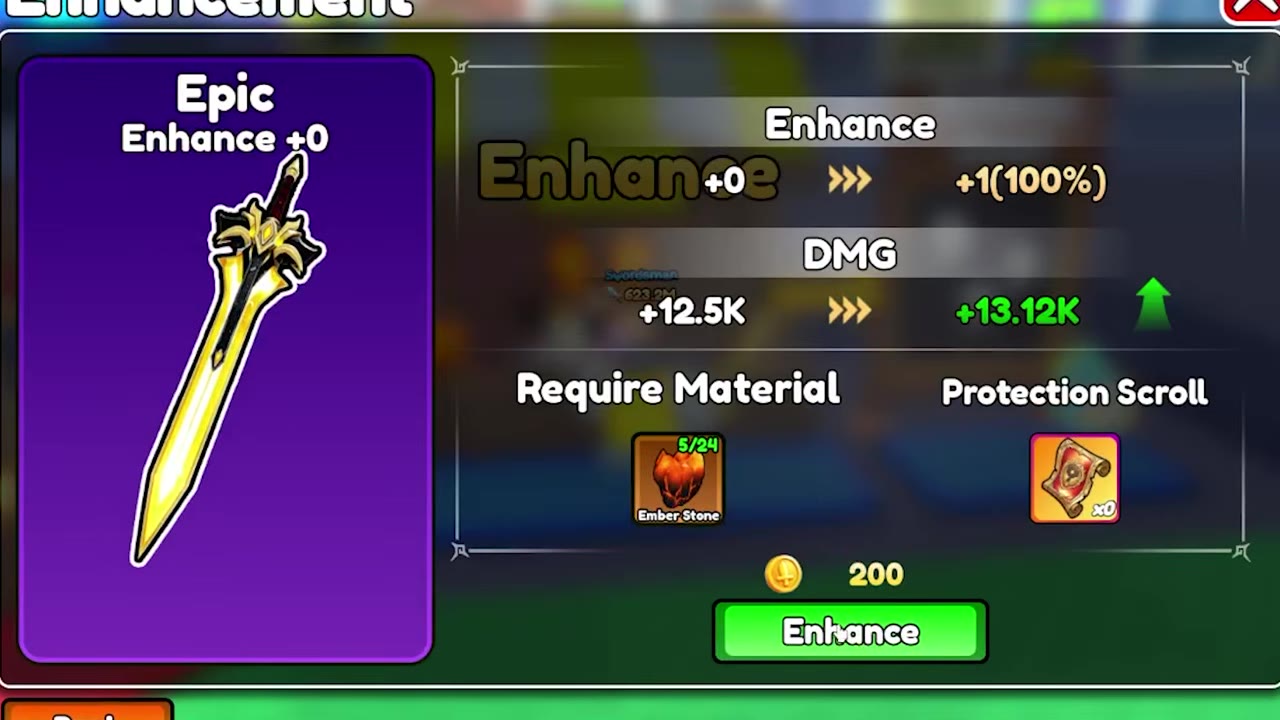 Enhance an Epic sword from +0 to +1▶ Watch demonstration
Known Ember Stone Requirements
These are requirements for specific item previews. Use the success rate and Coin cost shown for your selected equipment; the attached requirement entries also show each item's Ember Stone requirement, damage format, and projected change.
Treat next-level damage as a preview until the enhancement succeeds. Check the selected item's own Require Material list rather than assuming every enhancement uses the same materials. Ember Stone can be obtained during combat and appears among the possible drops for Frostbound Tower rounds 6–10.
Level Loss and Protection Scroll
The Enhancement menu warns that a failed attempt at Enhance Lv.6+ lowers the item's level. For example, the gold dragon-head Exclusive's +6 to +7 preview shows a 33% success rate, so check that warning before spending its listed resources.
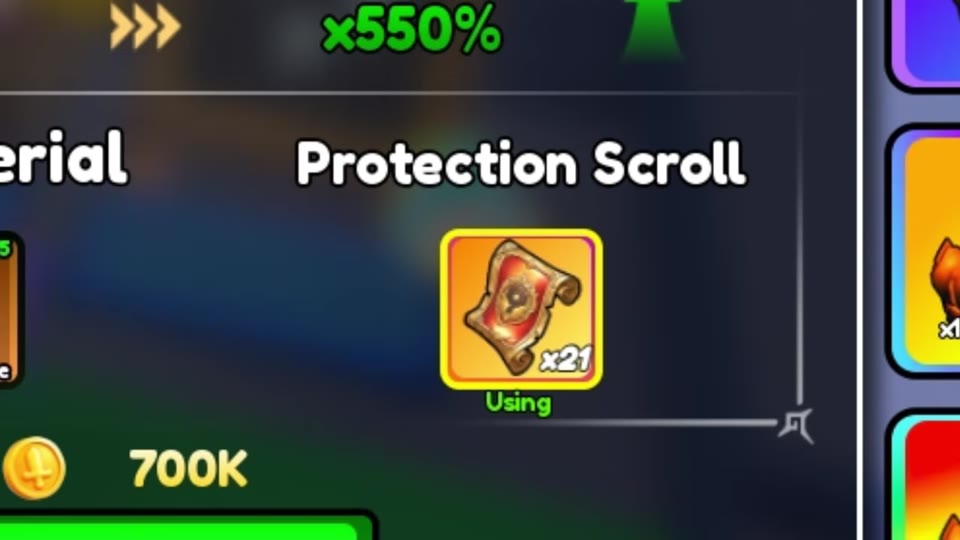
Protection Scroll has a separate control beside Require Material. If you intend to use one, enable that control and check that it says Using before attempting the upgrade. A Protection Scroll is not required for the Epic sword's +0 to +1 attempt.